
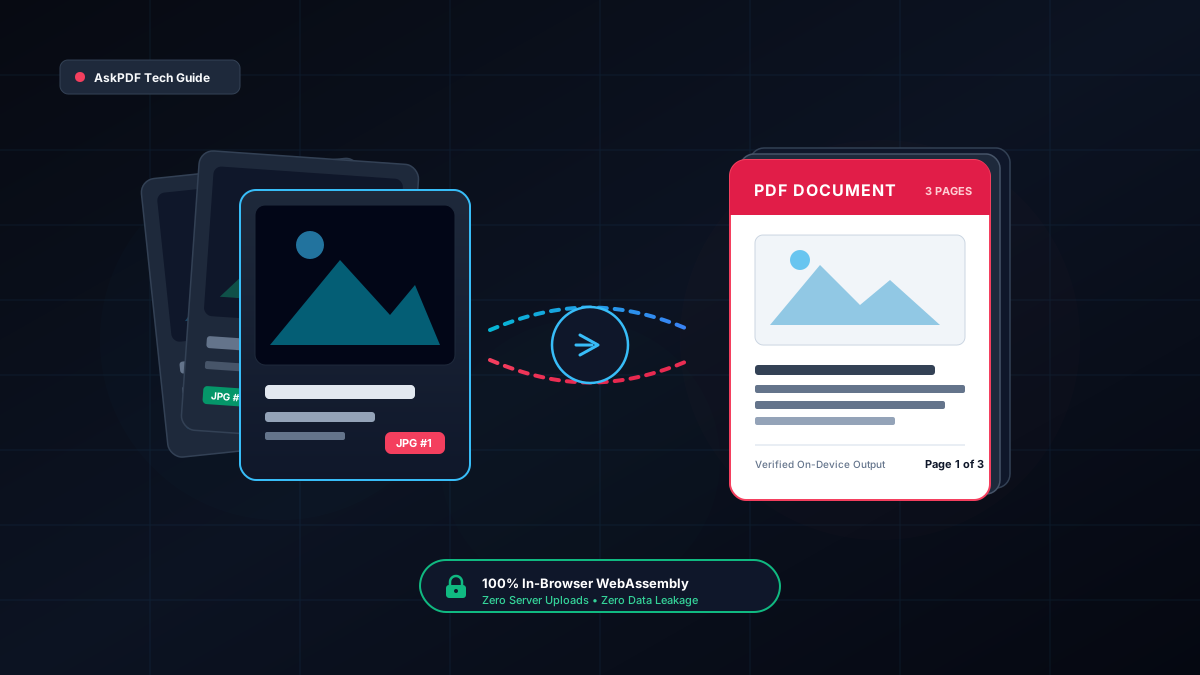
1. Why Convert JPG Images to PDF? The Universal Standard
Smartphone cameras have essentially replaced desktop flatbed scanners. Whether snapping a photo of a restaurant receipt for tax reimbursement, photographing a notarized signature page, or capturing whiteboard notes after a sprint review, our phones generate hundreds of loose JPEG and HEIC picture files every month.
However, sharing loose JPG images in professional or academic contexts creates severe operational friction:
- Lack of Structure and Pagination: Emailing twelve separate
IMG_4901.jpgattachments forces recipients to open twelve different windows, guess the intended page order, and manually assemble the narrative. - Variable Aspect Ratios & Print Chaos: When someone tries to print an unformatted JPG, office printer drivers routinely crop edges, scale the image improperly across three sheets of paper, or distort margin text.
- Portal Rejection: Nearly every corporate, government, and university intake portal (USCIS, state licensing boards, IRS e-filing, Blackboard, Canvas) flatly rejects loose image formats and strictly mandates a single consolidated PDF document.
Converting your images into an ISO 32000 PDF document solves every single one of these problems: it locks all pages into a fixed, predictable sequence, enforces uniform letter margins, and ensures flawless cross-platform rendering on Windows, macOS, iOS, Android, and Linux.
2. Single-Image vs. Batch Multi-Image Merging
Depending on your project, image conversion falls into two distinct operational categories:
Converting an individual photo, digital driver's license scan, certificate, or passport bio page into a standardized standalone 1-page PDF.
- • Fits standard US Letter or A4 dimensions
- • Eliminates accidental zoom and aspect stretching
- • Ready for instant portal identity verification
Selecting 5, 20, or 50 images simultaneously and compiling them into a unified multi-page document binder with sequential page numbering.
- • Consolidates entire receipt batches or evidence packs
- • Generates a single compact file for email or submission
- • Maintains exact page sequence across devices
With AskPDF's client-side JPG to PDF converter, both single files and massive batch queues of dozens of images are handled seamlessly in a single drag-and-drop action.
3. Reordering Pages & Correcting Image Orientation
The biggest headache when assembling an image-based document is page sequence and rotation. Mobile phone cameras capture photos with varying EXIF orientation tags depending on how you held the phone, resulting in sideways receipts or upside-down contracts.
Furthermore, file systems sort camera uploads by timestamp or arbitrary filenames (e.g. IMG_102.jpg before IMG_99.jpg), jumbling page numbers.
To produce a professional document binder, your converter must provide visual sequence control before final compilation:
- Visual Thumbnail Previews: Real-time rendering of each image card so you can immediately spot orientation errors or duplicate snapshots.
- Move Up / Move Down Sequence Controls: Instant reordering with a single click, allowing you to sequence Exhibit A, Exhibit B, and Exhibit C into their correct legal order.
- Selective Page Deletion: Instantly remove blurry or accidental pocket photos from the queue without starting the entire conversion over from scratch.
4. Making Scanned Image PDFs Searchable with OCR
When you bind multiple JPG images into a standard PDF, the resulting document is initially an image-only PDF. While it looks visually like a document, your computer sees it only as a photograph of text. You cannot search for words using Ctrl+F, highlight sentences, or copy text into an email.
To transform flat photo scans into intelligent, accessible documents, you need Optical Character Recognition (OCR):
The OCR Layering Mechanism
An OCR engine scans the bitmap pixels of your JPG image, identifies letter shapes, and injects an invisible, mathematical vector text layer directly beneath the visible picture.
Ctrl+F keyword search, copy-paste into Word/Excel, and full accessibility compliance for assistive tech.Once your images are bound into a PDF on AskPDF, you can also drop the document directly into our AI Document Copilot to summarize text, ask questions, or extract tabular numbers directly from the photo scans.
5. Three High-Impact Workflows: Legal, Accounting & Students
Converting image collections into structured PDFs is a critical daily workflow across multiple industries in the United States. Here is how three key professional sectors utilize on-device image-to-PDF compilation:
Court Exhibit Packets & Evidentiary Binders
Attorneys and paralegals regularly receive evidentiary photos (accident scene damage, text message screenshots, hand-signed receipts). Loose photos cannot be submitted to state or federal court e-filing systems (CM/ECF). By compiling JPGs into a sequential PDF binder, legal teams establish clean exhibit numbering (Exhibit 1, Exhibit 2) and verify zero metadata leakage.
IRS Expense Binders & Audit Trail Reports
During tax season or corporate travel reconciliations, small business owners and CPAs must document dozens of receipts. Combining 30 fuel, meal, and hotel JPG receipts into a single chronologically ordered PDF binder satisfies strict IRS Substantiation requirements and avoids CPA hourly processing fees.
Multi-Page Homework & Lab Submissions
Students submitting handwritten calculus problem sets, chemistry lab notes, or engineering drafts take photos with their phones. Course management platforms like Canvas and Gradescope reject multiple loose image uploads. Merging photos into a single PDF ensures the grading TA reviews every page in order.
6. The Privacy Trap: EXIF Geotags & Cloud Upload Risks
When you take a picture with a modern smartphone, your device does not just save pixel colors. It secretly embeds extensive Exchangeable Image File Format (EXIF) metadata into the JPEG header:
- Precise GPS Coordinates: Exact latitude, longitude, and altitude of your home or private office.
- Device Hardware Serial Numbers: Phone model, lens type, camera firmware, and internal device UUID.
- Exact Timestamps: Millisecond time, date, and time-zone of capture.
If you upload these photos to an untrusted, ad-supported free online PDF converter, that server now possesses your exact home address, device identifiers, and whatever confidential tax or legal paperwork was captured in the frame.
The AskPDF Defense: AskPDF executes 100% of the image reading and PDF compiling pipeline client-side inside your browser’s sandboxed WebAssembly and HTML5 Canvas memory. No external server receives your images or their EXIF metadata.
7. The End-to-End Pipeline: Redact, Encrypt & Compress
Converting images to a PDF is often just stage one of a complete document publishing workflow. On AskPDF, you can seamlessly pipe your newly created PDF through our suite of in-browser security and optimization tools:
Compress PDF File Size
Binding 10 high-resolution 12-megapixel phone photos can easily create a bloated 45 MB PDF. Use our PDF Compressor to shrink it down to under 1 MB or 200 KB for easy email attachment without visual blur.
256-Bit AES Password Encryption
If the images contain driver's licenses, bank routing numbers, or patient IDs, protect the file before emailing. Our Protect PDF Tool applies military-grade encryption in your browser.
AI Copilot Summaries
Drop your newly merged PDF into our AI Copilot to audit totals, extract receipt dates into a neat markdown table, or translate foreign language receipts.
8. Step-by-Step Browser-Based Workflow
Follow this simple walkthrough to convert your images into an organized, publication-ready PDF:
Navigate to the JPG to PDF Utility
Open askpdf.tech/images-to-pdf in Chrome, Safari, Firefox, or Edge on mobile or desktop.
Upload Your Pictures (Single or Batch)
Drag and drop your JPG, PNG, or WebP files into the DropZone. All images are rendered into instant thumbnail cards in your browser.
Reorder and Verify Layout
Use the Move Up and Move Down arrows to position your images in the exact intended page sequence. Delete any unwanted photos.
Generate and Download PDF Binder
Click Convert to PDF. In less than two seconds, your device creates the compiled PDF. Click download to save your government-, court-, or school-ready document.
9. Frequently Asked Questions
Can I convert multiple JPG photos into a single multi-page PDF document?
Yes! AskPDF allows you to select, drag, and drop dozens of JPG, JPEG, PNG, or WebP images simultaneously. All images are rendered into visual thumbnail cards where you can reorder pages using Move Up / Move Down buttons before binding them into a single consolidated multi-page PDF.
Do my personal photos or sensitive receipts get uploaded to any servers?
Never. AskPDF executes 100% of image decoding, canvas scaling, and PDF compilation locally on your device via client-side JavaScript and WebAssembly. Your photos and their embedded GPS location tags (EXIF data) never leave your computer or phone.
What happens if my images have different orientations or sizes?
AskPDF automatically preserves each image's native aspect ratio without stretching or distortion. Each image is placed onto an appropriately sized PDF page canvas, and you can reorder pages easily before compiling.
How can I make the text in my converted image PDF searchable (OCR)?
Once your images are bound into a PDF, you can run them through AskPDF's integrated AI Document Copilot. The AI analyzes character shapes across scanned invoices or notes, allowing you to ask questions, copy tables, and extract text without typing.
How do I compress the resulting PDF if the photos make the file too large?
High-resolution camera photos can create large PDFs. After generating your PDF, simply pass it to AskPDF's Compress Tool to downsample background imagery to 150 DPI, easily cutting file size by 80% to 90% while keeping text sharp for portal uploads.