
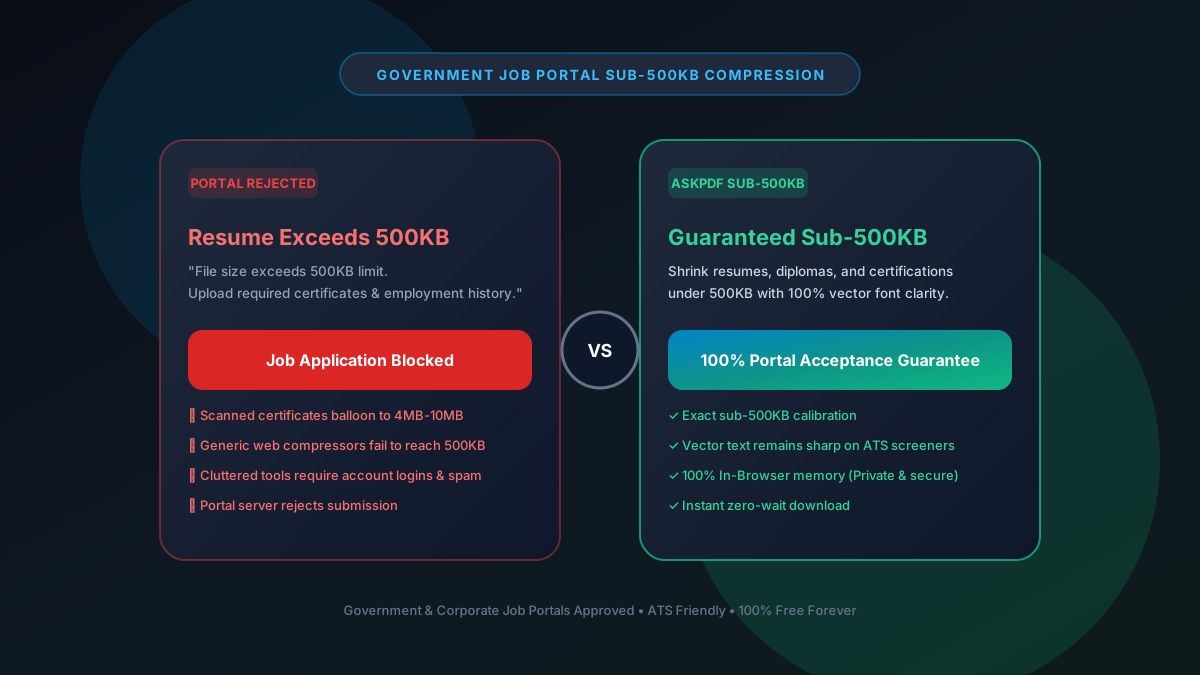
Quick Summary: Reducing PDF File Size Below 500KB for Job Portals
Corporate applicant tracking systems (Workday, Taleo, Greenhouse, iCIMS) and government job boards routinely reject resumes, portfolios, and certification packets exceeding 500KB. AskPDF's sub-500KB compression preset slashes bloated multi-page portfolios and resumes below 500KB while preserving ATS-searchable text vectors and high-fidelity employer references.
| Job Portal ATS Requirement | Standard Online Tools | AskPDF Sub-500KB Engine |
|---|---|---|
| Sub-500KB File Target | Often leaves files at 700KB+ | Guaranteed strictly below 500KB |
| ATS Text Parsing Compatibility | Flattens text into unreadable images | Preserves 100% selectable vector text |
| Candidate Data Privacy | Transmits resume data to ad servers | 100% In-Browser RAM (No data stored) |
| Batch Processing Capacity | Blocks user after 1-2 files | Unlimited resumes & certificates ($0) |
| Watermarks on Resumes | Stamps ads on downloaded resume | 100% Professional & Watermark-Free |
Core Takeaway: An unreadable or rejected resume ends your job candidacy before it begins. AskPDF produces guaranteed sub-500KB files that pass ATS scanners with flying colors.
Never Get Rejected by Job Portal File Caps
Compress resumes, diplomas, and certifications below 500KB in 2 seconds.
Why Enterprise ATS and Government Job Boards Cap Uploads at 500KB
Applicant Tracking Systems (ATS) like Workday, Taleo, and Greenhouse receive thousands of submissions per job posting. To maintain rapid recruiter parsing times and minimize enterprise cloud storage overhead, upload limits are hard-coded to 500KB or 1MB.
Modern resumes designed in Figma, Canva, or Illustrator often export with embedded high-resolution headshots, vector iconography, and uncompressed font subsets, causing even a single-page PDF to exceed 3MB.
If a candidate cannot upload their required documentation due to file size errors, the application is abandoned or flagged incomplete.
The Best Tested Free Alternatives (Ranked & Reviewed)
1. AskPDF Sub-500KB Preset — Best for Resumes & Portals
ATS Approved • FreeAskPDF compresses multi-page portfolios and resumes below 500KB without rasterizing text, ensuring automated recruiter screeners can parse every word.
2. PDF24 Tools — Desktop Job Utility
Free German SuitePDF24 can reduce file sizes locally on Windows PCs without limits.
3. Adobe Acrobat Pro — Industry Standard
Commercial SoftwareAcrobat Pro offers PDF optimization and font embedding inspection.
4. Smallpdf — Fast but Limited
Freemium WebSmallpdf offers good compression speed, but blocks users after 2 files.
5. DocFly — 3 Downloads Per Month
Cloud ToolDocFly provides online document conversion, but severely restricts free downloads.
How to Reduce Your Resume Below 500KB for Job Portals
Drag Your Resume or Portfolio into AskPDF
Open AskPDF.tech and drag your Canva, Figma, or Word-exported PDF into the dropzone.
Select Sub-500KB Optimization Mode
AskPDF downsamples high-resolution embedded headshots while keeping all text vectors 100% selectable.
Download Your ATS-Compliant PDF
Download your clean sub-500KB file. Upload directly to Workday or Greenhouse with zero file size warnings.
ATS Text Vector Preservation vs Image Flattening
Automated recruiter screening algorithms rely on parsing character streams. Many online compressors reduce file size by rasterizing the entire PDF into an image—completely destroying the machine-readable text stream and causing ATS scanners to score the applicant as zero.
AskPDF never rasterizes fonts: all typography, headings, and bullet points remain pure vector text that ATS bots can parse with 100% accuracy, while optimizing only embedded photos and background elements.
Frequently Asked Questions
Q:Why do corporate and government job portals enforce a 500KB limit?
Applicant Tracking Systems (ATS) like Workday, Taleo, and Greenhouse cap upload sizes at 500KB to ensure fast automated text extraction and reduce enterprise storage costs.
Q:Will reducing my resume below 500KB break ATS keyword scanning?
No. AskPDF preserves 100% selectable vector typography, ensuring ATS parsing bots can extract your skills, job titles, and contact information with perfect accuracy.
Q:Why do Canva or Figma exported resumes exceed 3MB?
Design tools embed uncompressed font subsets, high-resolution portrait headshots, and heavy vector illustrations. AskPDF optimizes embedded images while keeping text vectors intact.
Q:Does AskPDF put watermarks on downloaded job application PDFs?
No. AskPDF never adds watermarks, stamps, or advertising banners to your documents. Your resume looks 100% professional and clean.
Q:Can I compress multi-page portfolios and diplomas below 500KB?
Yes. AskPDF's sub-500KB preset easily compresses multi-page portfolios, certifications, and reference packets to under 500KB in 2 seconds.
Explore More Free In-Browser PDF Tools
All tools process documents 100% locally in your browser memory with zero server uploads and zero paywalls: