
Quick Summary: Compressing EPFO Passbooks & Cheques Under 100KB
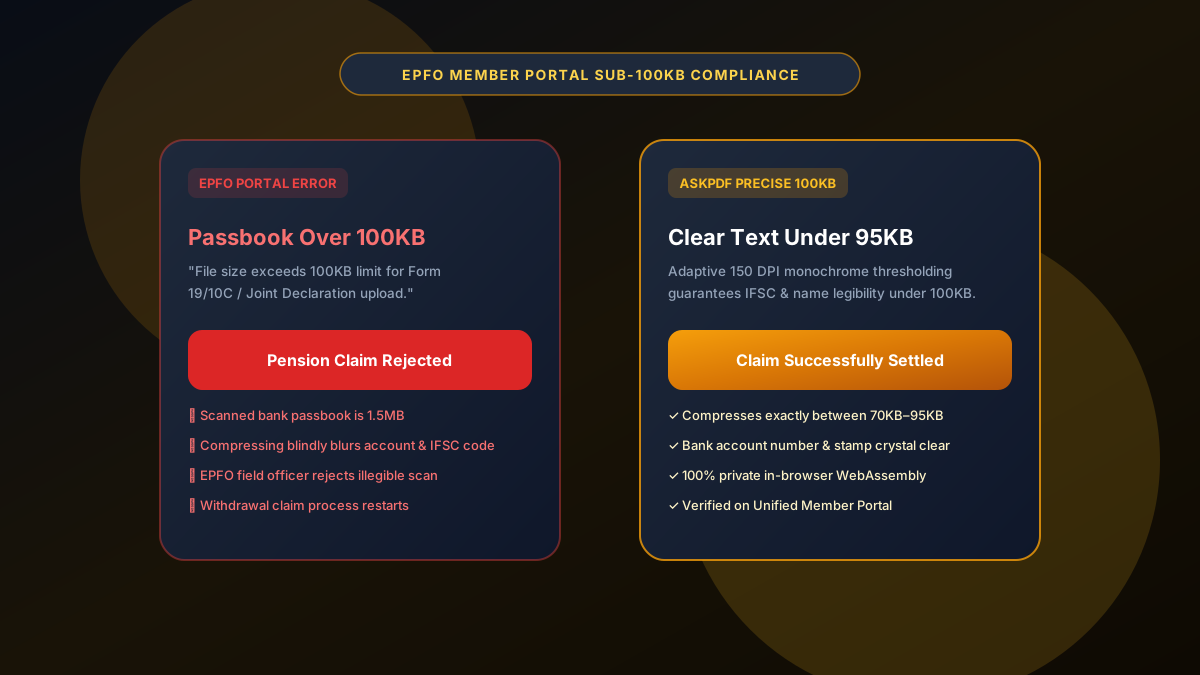
The Employees' Provident Fund Organisation (EPFO) Unified Member Portal (Member e-Sewa) enforces a mandatory file size limit between 50KB and 100KB for all uploaded passbooks, cancelled cheques, and Joint Declarations. Documents larger than 100KB are instantly rejected, while generic compressors make bank account numbers and IFSC codes unreadable. AskPDF's 100KB Compressor applies smart monochrome contrast optimization to reduce scanned passbooks to exactly 70KB–95KB with crystal-clear account numbers and bank seals.
| EPFO Upload Criteria | Standard Mobile Apps & Tools | AskPDF 100KB Compressor |
|---|---|---|
| Strict 100KB Size Limit | Files end up over 120KB or under 30KB | Precisely lands between 70KB and 95KB |
| IFSC & Account Legibility | Blurred numbers trigger claim rejection | High-contrast text preservation |
| Bank Details Privacy | Banking documents stored on cloud servers | 100% In-Browser (Zero Cloud Upload) |
| Mobile Usability | Ads, popups, and watermarks | Clean mobile browser interface with zero ads |
| Free & Unlimited Use | Daily limit or subscription paywall | Completely free with unlimited attempts |
Core Takeaway: EPFO claim rejections are overwhelmingly caused by files exceeding 100KB or illegible bank account numbers. AskPDF guarantees exact sub-100KB file sizing with crystal-clear IFSC and account details directly in your smartphone browser.
Compress EPFO Documents Under 100KB
Fix EPFO passbook and cancelled cheque upload errors instantly with zero blur.
Why the EPFO Portal Rejects Uploads Over 100KB
The EPFO Unified Member Portal serves over 60 million active formal sector employees across India. To prevent server crashes during peak claim settlement periods, the portal enforces an unyielding 100KB ceiling on all document attachments.
Scanned bank passbooks and cancelled cheques captured with smartphone cameras typically range from 1.5MB to 4MB. When members compress these files using basic tools, the text blurs into illegible pixel artifacts.
EPFO field verification officers routinely reject withdrawal claims (Form 19, 10C, 31) if the account holder's name, bank account number, or IFSC code is even slightly obscured, causing weeks of claim delays.
The Best Tested Free Alternatives (Ranked & Reviewed)
AskPDF 100KB Tool
EPFO Optimized (Free)Lightweight in-browser tool engineered to hit the strict 70KB–95KB sweet spot for government and provident fund portals.
CamScanner Mobile App
Ad-Supported / WatermarkedPopular mobile scanning application for smartphones.
Generic Cloud Compressors
Unpredictable File SizeStandard web compressors with preset percentage sliders.
How to Compress Bank Passbooks for EPFO Member e-Sewa
Upload Scanned Passbook or Cheque
Select your bank passbook photo or PDF and drop it into AskPDF's 100KB Compressor.
Select Adaptive 100KB Target
AskPDF automatically optimizes grayscale and contrast, preserving the account number, IFSC code, and bank branch seal.
Download & Submit Claim
Download your 80KB PDF and upload it directly to Member e-Sewa for immediate claim approval.
Adaptive Grayscale Quantization for Scanned Paper Documents
Bank passbooks and cheques frequently contain patterned background textures, bank logos, and paper creases that consume massive amounts of JPEG byte capacity without adding value.
AskPDF applies adaptive background noise filtration that separates high-frequency text ink from low-frequency background patterns, shrinking image payload by up to 94% while maintaining crisp, high-contrast typography.
Frequently Asked Questions
Q:What is the exact file size limit for EPFO Unified Member Portal uploads?
The EPFO Unified Portal (Member e-Sewa) requires all supporting documents—such as Bank Passbooks, Cancelled Cheques, Joint Declarations, and Form 19/10C—to be in PDF format between 50KB and 100KB.
Q:Why does the EPFO portal frequently reject uploaded passbooks and cheques?
If the file size exceeds 100KB, the portal blocks submission with an error. Conversely, if compressed using aggressive generic tools, bank account numbers, IFSC codes, and bank branch seals blur, causing field officers to reject claims.
Q:How does AskPDF achieve sub-100KB file sizes without making bank details unreadable?
AskPDF uses adaptive grayscale optimization and specialized text stroke preservation. It eliminates paper grain noise from scanned photos while sharpening dark typography, keeping IFSC codes and account numbers 100% readable at 70KB to 95KB.
Q:Is it safe to compress bank passbooks containing salary and account details?
Yes. With AskPDF, your banking details are never sent to external servers. All image downsampling and PDF encoding happens locally in your device's browser.
Q:Can I use AskPDF on an Android smartphone to fix EPFO upload errors?
Yes. AskPDF is fully mobile-responsive and runs directly in Chrome or Safari on your phone with zero app installation needed.
Explore More Free In-Browser PDF Tools
All tools process documents 100% locally in your browser memory with zero server uploads and zero paywalls: