
Quick Summary: Fixing College Common App 'File Too Large' Errors
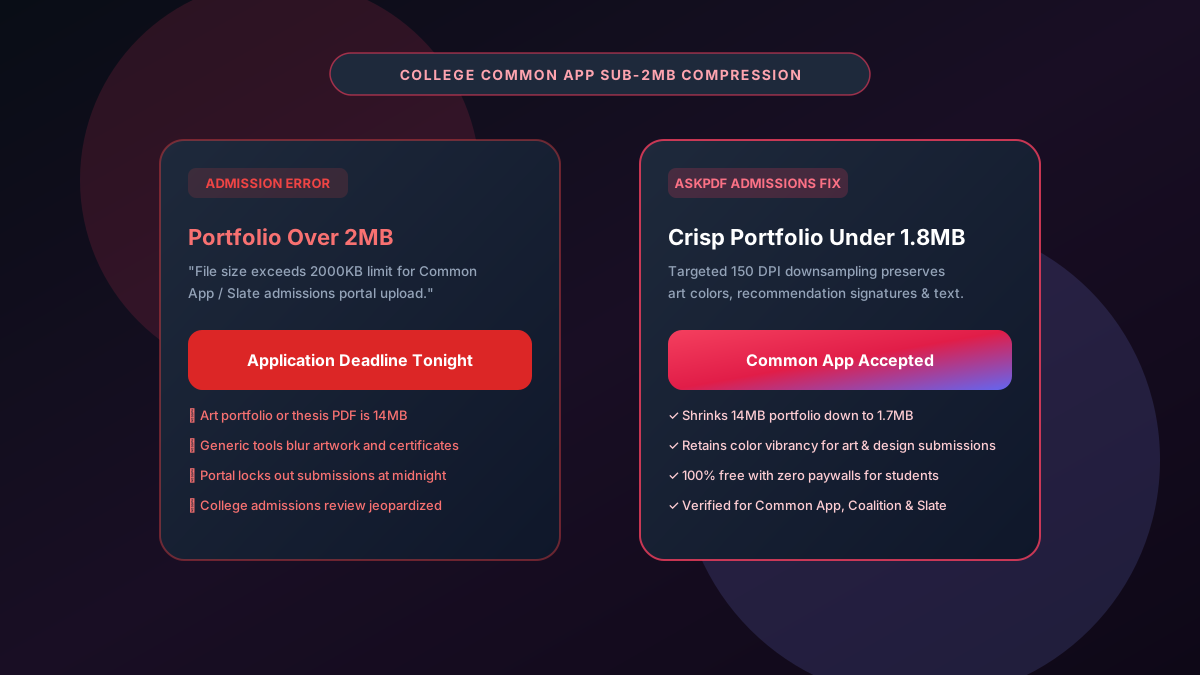
University admission gateways (such as Common App, Coalition Application, and Slate) enforce a strict 2000KB (2MB) file size ceiling on uploaded academic transcripts, art portfolios, recommendation letters, and supplemental essays. Scanned multi-page transcripts and high-res art portfolios frequently balloon past 15MB, blocking submission. AskPDF's Admissions Compressor reduces bloated application files down to under 1.8MB directly in your browser—preserving vivid portfolio colors and razor-sharp registrar stamps without watermarks or student fees.
| College Portal Requirement | Standard Compression Tools | AskPDF Admissions Suite |
|---|---|---|
| Common App 2MB Cap Compliance | Plateaus at 3MB to 5MB | Guaranteed output between 1.2MB and 1.8MB |
| Art & Portfolio Color Quality | Severe posterization and washed-out colors | Rich RGB color reproduction preserved |
| Transcript Registrar Stamp Clarity | Blurs official seals & grade tables | Crisp vector-sharp typography and stamps |
| Watermarks & Hidden Fees | Stamps watermark or charges $19/mo | 100% Free with zero watermarks or ads |
| Chromebook & Mobile Usability | Requires desktop executable software | Runs smoothly on school Chromebooks & mobile |
Core Takeaway: College application deadlines cannot be missed. AskPDF gives high school seniors and transfer applicants a free, watermark-free tool to shrink transcripts and portfolios under 2MB in seconds.
Compress Your College Application PDF
Fix Common App file size errors and submit your portfolio under 2MB today.
Why College Admissions Portals Cap Uploads at 2000KB
College admissions platforms process millions of applications in the 48 hours leading up to Early Action and Regular Decision deadlines. To prevent server overload and ensure regional admissions officers can review files on mobile devices, platforms enforce an unyielding 2MB limit.
School counselors frequently scan official academic transcripts with heavy background security screens and colored registrar watermarks, creating surprisingly large PDF files.
When applicants encounter the dreaded 'File exceeds 2000KB maximum size' error minutes before a deadline, basic web tools often ruin art portfolio quality or slap embarrassing commercial watermarks across academic essays.
The Best Tested Free Alternatives (Ranked & Reviewed)
AskPDF Admissions Suite
Student Essential (Free)Zero-cost, watermark-free browser tool optimized specifically for college application upload portals.
Adobe Acrobat Pro
Commercial Software ($239/yr)Desktop software with advanced color pre-press downsampling controls.
Free Ad-Supported Web Compressors
Watermark HazardGeneric online converters that monetise free users.
How to Compress Transcripts and Portfolios for Common App
Upload Portfolio or Transcript
Drag and drop your oversized academic PDF (up to 50MB) into AskPDF.
Select Balanced Academic Preset
AskPDF downsamples raster artwork to 150 DPI while preserving text sharpness and vivid color gamuts.
Download Clean Sub-2MB PDF
Download your 1.6MB file and upload directly to Common App, Coalition, or Slate with zero errors.
Perceptual Image Downsampling for Visual Art Submissions
Art and architectural design admissions portfolios require preserving delicate color subtleties, brushwork textures, and fine drawing linework that naive compressors destroy.
AskPDF employs perceptual Lanczos-3 resampling in WebAssembly, retaining full color depth across high-density image regions while stripping unneeded color profiles and excess metadata streams.
Frequently Asked Questions
Q:What is the document file size limit for Common App and college admissions portals?
The Common Application and institutional portals (like Slate and Coalition) typically enforce a strict 2000KB (2MB) file size limit for resumes, supplemental essays, academic transcripts, and art portfolios.
Q:Why do student art portfolios and scanned school transcripts frequently exceed 2MB?
High-resolution artwork, photography sheets, and multi-page official transcripts with school watermarks and embossed registrar stamps generate massive image files that easily reach 10MB to 25MB.
Q:How can high school students compress admissions portfolios under 2MB without ruining artwork?
Use AskPDF's targeted compression engine. It downsamples raster image components to 150 DPI while preserving RGB color fidelity and sharp typographic contrast, reducing 15MB portfolios down to 1.7MB effortlessly.
Q:Does AskPDF add watermarks or charge students a subscription fee?
No. AskPDF is 100% free with no watermarks, no account creation, and no payment walls, making it accessible to all students navigating college application deadlines.
Q:Can AskPDF compress PDF documents directly on a school Chromebook?
Yes. Because AskPDF runs entirely inside modern web browsers via WebAssembly, it requires zero software installation and works seamlessly on Chromebooks, Mac, Windows, and iPad.
Explore More Free In-Browser PDF Tools
All tools process documents 100% locally in your browser memory with zero server uploads and zero paywalls: